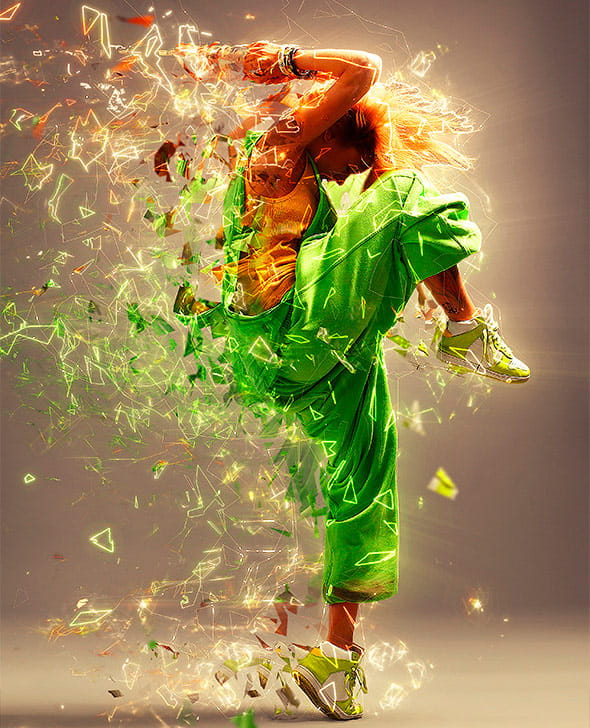
 Fractal Photoshop Action creates advanced looking effects with the click of a mouse. All you need to do is open a photo, brush where you want to apply the effect and click play on the action. You then have full layer control – move, rotate, scale, duplicate, color layers to build up the design even more. You can choose five different directions with this action – LEFT, RIGHT, UP, DOWN, and MIDDLE.
Watch It In Action